
Getting care
How to prepare for a video consultation: what to have ready
Your technology, your space and your information. A few minutes of preparation is the difference between a good consultation and a frustrating one.

The short answer
Prepare three things and a video consultation goes smoothly: your technology, your space and your information. Charge your device and check your connection, find a quiet, well lit spot and prop the camera up, and write down your symptoms, your medications, your allergies and your questions before the call starts.
Worth knowing
- Charge your device and test your connection before the call, not during it.
- Sit with the light on your face, not behind you, and prop the device on something stable.
- Write down your symptoms, when they started, any medication you take and any allergies you have.
- Use the camera. Showing a rash or a swollen joint beats describing it.
- Repeat the plan back to the doctor before the call ends, so you both agree what it is.
In this guide
You have booked a video consultation, and this guide is only about the minutes before it starts: what to have ready so the doctor's time goes on you rather than on a dropped call or a forgotten medication name. While you wait, you might feel a bit of uncertainty about what happens next.
Preparing for any doctor's visit can feel daunting, and it is even more true when you are in an unfamiliar hotel room and not feeling your best. Will the technology work? Will you remember to ask everything you wanted to?
The good news is that a few simple steps make a large difference. This article is a three part checklist: your technology, your space, and your information. If you have not booked yet and want to know how video consultations work, what they can treat and how they relate to telehealth, our guide to video consultations covers that first.
Part 1: your technology
You do not need to be a tech expert to have a successful video consultation. A quick check on four things prevents most common glitches.
- Check your device and powerWhether you are using a phone, a tablet or a laptop, make sure it is fully charged before the call, and plug it in if the battery is low. A call that cuts out midway because the battery died is a frustrating and preventable interruption.
- Test your internet connectionFor a traveller this is the most important technical step, because hotel Wi-Fi is unpredictable. If the signal in your room is weak, move to a quiet corner of the lobby or a nearby cafe with a stronger connection. A quick video call to a friend beforehand is a good test. If you have a local SIM with data, keep it ready as a backup.
- Find the link or the appDo not wait until the last minute to hunt through your inbox. Locate the confirmation email or open the provider's app a few minutes early. Knowing exactly where to click helps you feel calm and ready when the time comes.
- Test your camera and microphoneMost devices handle this automatically, but a quick check never hurts. Make sure you have not accidentally covered the camera or muted the microphone in your settings. You want the doctor to see and hear you clearly from the start.
Part 2: your space
The right environment helps both you and the doctor focus on what actually matters, which is your health.
Find a quiet, private spot
Your health information is confidential and your appointment deserves your full attention. Choose a space where you will not be interrupted or overheard. Your hotel room is usually the best option. Avoid a busy, noisy lobby where you might feel self conscious or get distracted.
Get the lighting right
The doctor relies on visual cues. Sit so that the main light source, a window or a lamp, is shining on your face rather than coming from behind you. This stops you appearing as a dark silhouette, and it is essential if you need to show the doctor something visible like a rash.
Prop up your device
Holding a phone at arm's length for a whole consultation is a recipe for a shaky camera and a tired arm. Prop your device on a table, a stack of books, or even your suitcase. It keeps the camera steady, frees your hands, and makes the conversation feel more natural.
Part 3: your information
This is the most useful part of your preparation. Having your health details ready helps the doctor give you accurate advice. Think of it as packing a symptom suitcase for the call. What follows is the short version, and it applies equally to a clinic visit: a traveller's checklist for seeing a doctor abroad goes through each item in turn.
List your symptoms
Before the call, jot down notes about what you are experiencing. Be specific:
- What the symptoms actually are
- When they started
- What makes them better or worse
- If you are in pain, whether it is sharp, dull, constant, or comes and goes
Gather your medications
If you take regular medication, or you have taken anything for your current symptoms such as a pain reliever, have the boxes or bottles with you. Showing the doctor the exact name and dose is easier and more accurate than trying to remember it.
Know your medical history
Be ready to mention your key medical history briefly. That means any chronic conditions such as asthma or diabetes, major past surgery, and, very importantly, any allergies to medication.
Write down your questions
In the middle of a consultation it is easy to forget what you wanted to ask. Write down your biggest questions beforehand. No question is too small. For example:
- Is it okay for me to fly with this?
- Can I take this with my other medication?
- What symptoms would mean this is getting more serious?
During the call
You are prepared. Now you can focus on the conversation.
- Show, do not just tellDo not hesitate to use your camera. If you have a rash, a swollen joint or a red eye, let the doctor see it clearly.
- Ask your questionsRefer to the list you made and make sure you get the answers you need. This is your time.
- Confirm the planBefore ending the call, summarise what you understood the plan to be. Something like: the plan is to take ibuprofen, drink plenty of fluids, and seek in-person care if I am not better in 48 hours. Is that right? It confirms you are both on the same page.
Pomodoc: built for the hotel room, not the clinic
Pomodoc is designed with these exact situations in mind. The English-speaking doctors on the network are experienced at guiding travellers through a consultation by video.
They understand you are likely in a hotel room rather than a clinic, and they will help you feel comfortable and get the most out of the appointment, even if it is your first time.
In short
For those in a hurry, the key steps:
- Check your tech. Device charged, connection stable.
- Find your spot. Quiet, private, well lit.
- Prop it up. A stable surface beats a tired arm.
- Prepare your info. Symptoms, medications, allergies, and the questions you want answered.
- Use your camera. Do not be shy about showing a visible symptom.
- Confirm next steps. Repeat the plan back before the call ends.
One last thing, for afterwards. If the plan you agreed does not seem to be working a day or two later, that is worth acting on rather than sitting with. When to book a follow-up consultation sets out the signs that mean it is time to speak to someone again.
Common questions
What if my internet connection drops during the call?
It happens, and it is not a disaster. The doctor will usually try to reach you again. If video is not possible, the consultation may be able to continue as a standard phone call instead. The service you are using will tell you what to do.
How do I show the doctor a rash or an injury properly?
Use the tips in this guide. Sit in a well lit area, hold the camera steady, and move it slowly to give the doctor a clear view. They are used to this, and they may ask you to get closer or to press gently on an area to see how it reacts.
Can my travel partner be on the call with me?
Yes. If you would like a partner or a friend there for support, or to help describe what has been happening, they are welcome to join. Just tell the doctor at the start of the call.
I feel embarrassed talking about my symptoms. What should I do?
Doctors are professionals whose only goal is to help you, and they have heard it all before. A video consultation is a private, confidential and judgment free space to discuss your health.
Keep reading
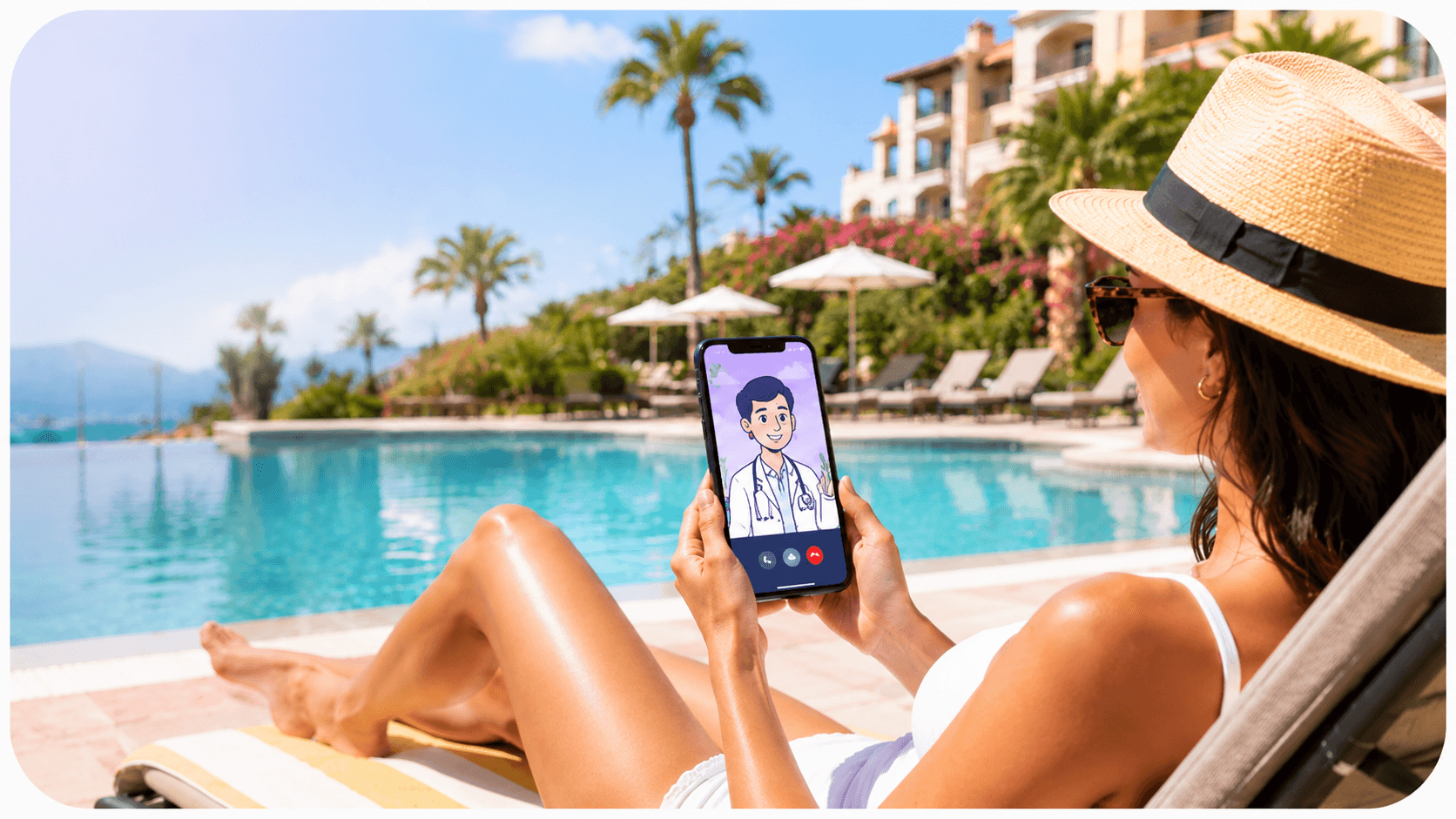 Getting careWhat is a video consultation?A doctor's appointment that happens over a video call. What to expect, when it helps, and when it is the wrong tool.
 Getting careVideo or in person: which care do you actually need?What each one can and cannot do, the signs that rule video out entirely, and how to prepare for either.
 Getting careHow to see a doctor online while you are abroadSeeing a doctor by video is one of five realistic options. What each one costs you in time, and how to pick without losing the afternoon.